Every ticket arrives with the details your tech needs to confirm who sent it.
Your users don’t need a password to send a ticket, and your tech can still check who is asking before they change anything.
The free plan covers up to 25 endpoints for as long as you need it, and you won’t need a credit card.
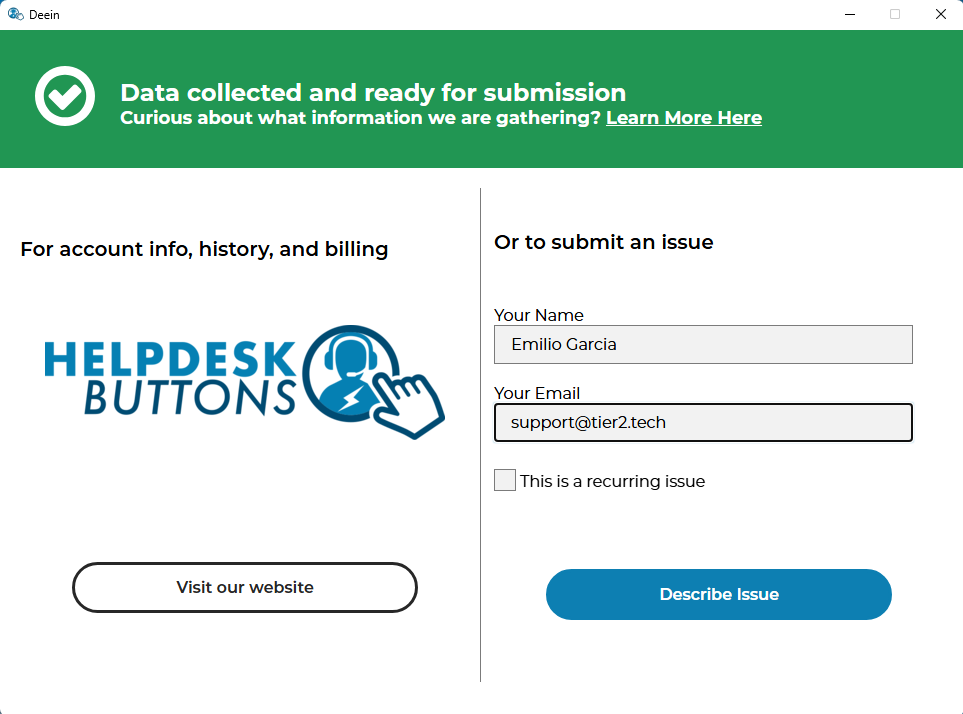
Each ticket carries the user’s information.
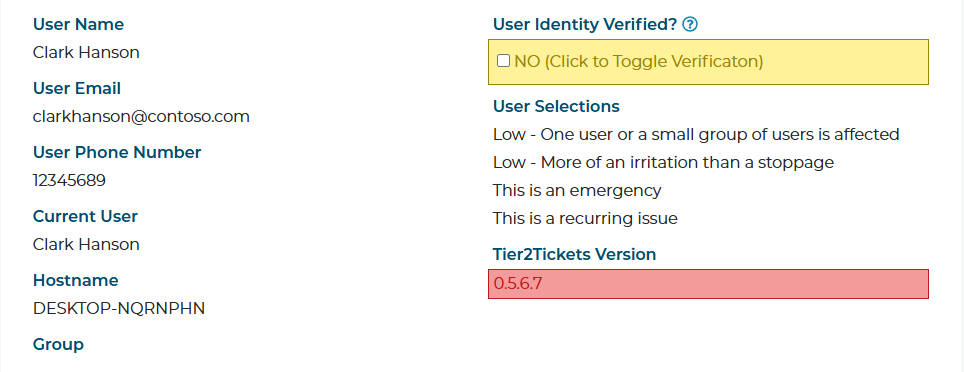
When a user sends a ticket, it arrives with the user account they’re logged in with, their email address, and details about the device they sent it from, including its MAC address. Your tech can compare those details with what they already know about that user.
Your tech confirms the request before acting on it.
If the details don’t match what your tech expects, they know to confirm the user’s identity before going any further. That helps your team catch someone pretending to be one of your users, especially before a password reset or an account change.
You can also read about how Tier2Tickets gives you better tickets and how users can send a ticket when the PC is offline.
See the user details on a real ticket.
We’ll give you a 10–15 minute Zoom demo of a real ticket from start to finish, and we’ll answer your questions. The free plan includes every feature, so you can also try Tier2Tickets yourself today.